What JoFotara requires
Any JoFotara ERP integration project starts from the rules. JoFotara is managed by the Income and Sales Tax Department (ISTD) with the Ministry of Digital Economy and Entrepreneurship. Since Phase 2 took effect on 1 April 2025, e-invoicing applies to B2B, B2C and B2G sales across Jordan, and the ISTD has said that no sector is exempt. Invoices are submitted to and validated by the ISTD and carry a QR code issued through the system. Invoices that do not pass through the national platform are not valid for VAT input deduction, which means your customers may push back on them. Always check the latest ISTD guidance for your specific case.
Portal entry or integration?
| Approach | Works for | Limits |
|---|---|---|
| Typing invoices into the JoFotara portal | Freelancers and very small businesses with few invoices | Double entry, typing errors, no link to stock or customer balances |
| Accounting software with a JoFotara module | Small and mid-size firms whose software supports it | Sales, stock and branches may still sit outside the system |
| Full JoFotara ERP integration | Distributors, retailers, manufacturers and service companies with volume | Needs clean master data and proper testing |
How JoFotara ERP integration works
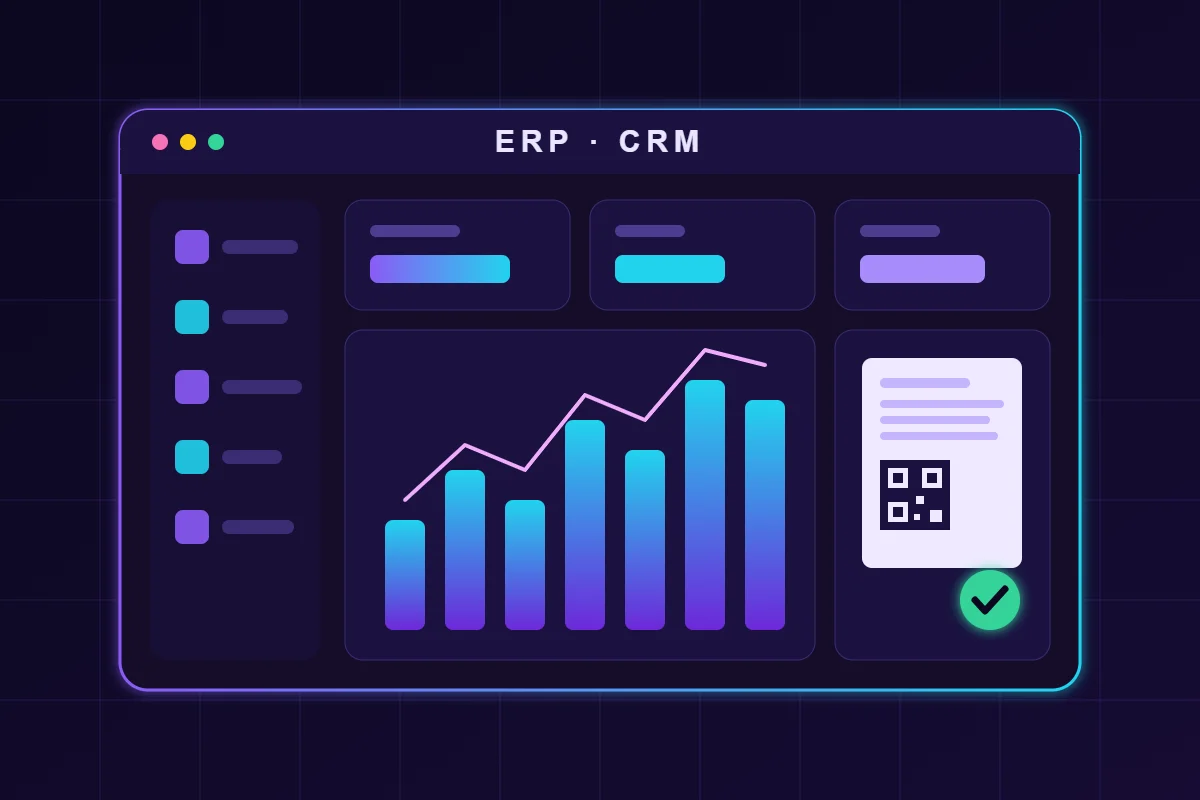
In an integrated setup your ERP or POS creates the invoice as usual. In the background, the system converts it into the structured electronic format JoFotara expects, sends it through the integration interface using credentials issued to your company, receives the validation result and QR code, and stores them with the invoice. Only then is the invoice printed or sent to the customer. If JoFotara rejects an invoice, for example because a tax number is wrong, the system flags it for finance to fix instead of letting it disappear.
The same flow covers credit notes for returns and discounts, which is where manual processes most often break.
POS, branches and field sales
Retailers and restaurants issue many small invoices from several points of sale. Distributors issue invoices from vans and tablets. Each of these must reach JoFotara, so the integration has to cover every channel, not only head-office accounting. We usually connect POS terminals, e-commerce orders and field-sales apps to one ERP, and let the ERP talk to JoFotara. That keeps one source of truth for sales, stock and tax.
A practical JoFotara ERP integration checklist
- List every place you issue invoices: head office, branches, POS, online store, vans.
- Register on the JoFotara portal and obtain the integration credentials for your company.
- Clean customer data: tax numbers, national IDs where required, Arabic names.
- Map invoice types: cash and credit sales, exports, exempt and zero-rated items, credit notes.
- Choose your route: upgrade existing software, add a connector, or move to an integrated ERP.
- Test with real invoice samples before switching off manual entry.
- Train staff on rejected invoices and how to correct them.
- Review a daily report of submitted, accepted and rejected invoices for the first month.
Jordan and Saudi Arabia in one ERP
Many Jordanian companies also sell in Saudi Arabia, where ZATCA's Phase 2 e-invoicing has its own rules and deadlines. An ERP set up for both lets one finance team handle JoFotara and Fatoora from the same system. Read our ZATCA e-invoicing ERP guide for the Saudi side. Nplay has built software in Amman since 2017 and also works from Riyadh, so we deliver JoFotara ERP integration and ZATCA integration with local support in both markets. See our ERP and CRM software in Jordan and Saudi Arabia page.
Common questions
Is JoFotara mandatory for all businesses in Jordan?
According to the ISTD, Phase 2 became mandatory on 1 April 2025 for B2B, B2C and B2G transactions, with no sector exempt. Check current ISTD guidance for your situation.
Can I keep entering invoices manually on the JoFotara portal?
Manual entry is possible for low volumes, but it means double work and errors. Companies with regular sales usually integrate their ERP or POS with JoFotara.
Does JoFotara ERP integration cover credit notes?
It should. Returns, discounts and corrections must also go through JoFotara, so make sure your integration handles credit notes and not only sales invoices.
Can one ERP handle JoFotara and ZATCA?
Yes. An ERP configured for both countries can submit invoices to JoFotara in Jordan and Fatoora in Saudi Arabia from one system.
Does Nplay integrate custom systems with JoFotara?
Yes. We connect custom ERPs, POS and field-sales apps to JoFotara, or set up an integrated ERP, with support from our Amman team.
Related: ERP and CRM software in Jordan and Saudi Arabia · ZATCA e-invoicing ERP guide · AI CRM software · اقرأ بالعربية